3. Wtyczka – Odinstalowanie
1 min read
Przewodnik krok po kroku dotyczący instalacji. Wtyczka – Odinstalowanie. Obejmuje pobieranie, konfigurację i wstępną konfigurację.
Przewodnik krok po kroku
1
2. Wyłącz wtyczkę UPS Shipping w interfejsie frontowym.
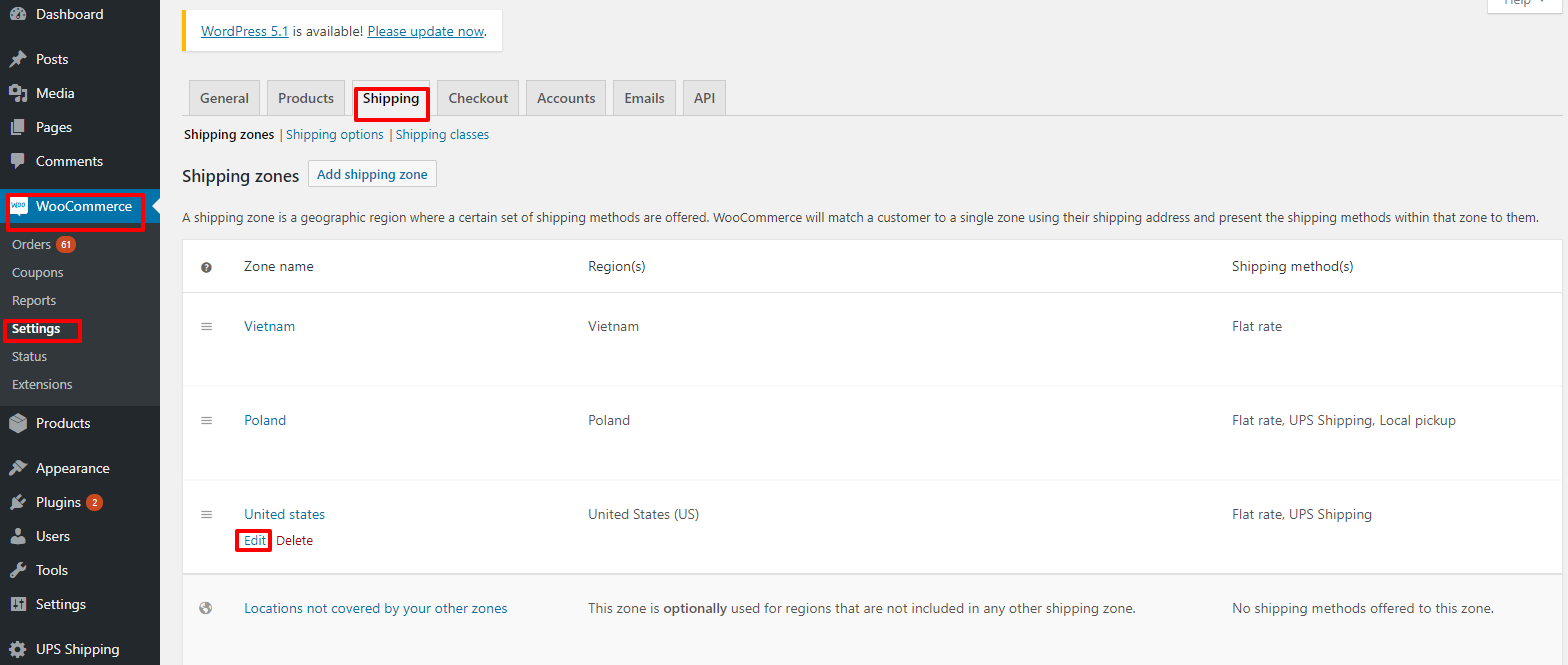
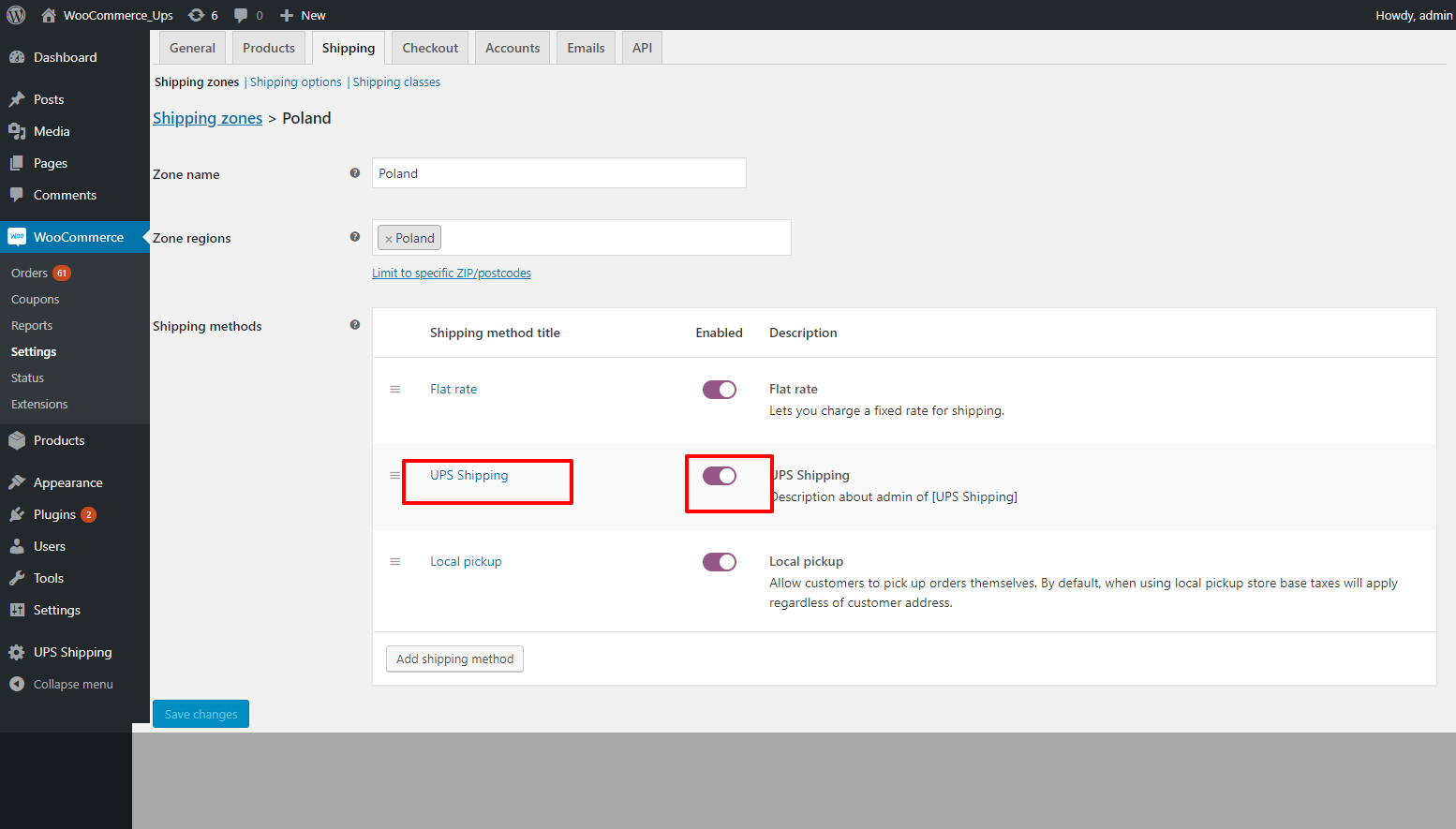
• Go to "WooCommerce" -> "Setting" -> "Shipping" -> "Edit" by zone name. Figure 22 – Edit by zone name Figure 23 – Activate plugin

2
3. Odinstaluj wtyczkę UPS Shipping.
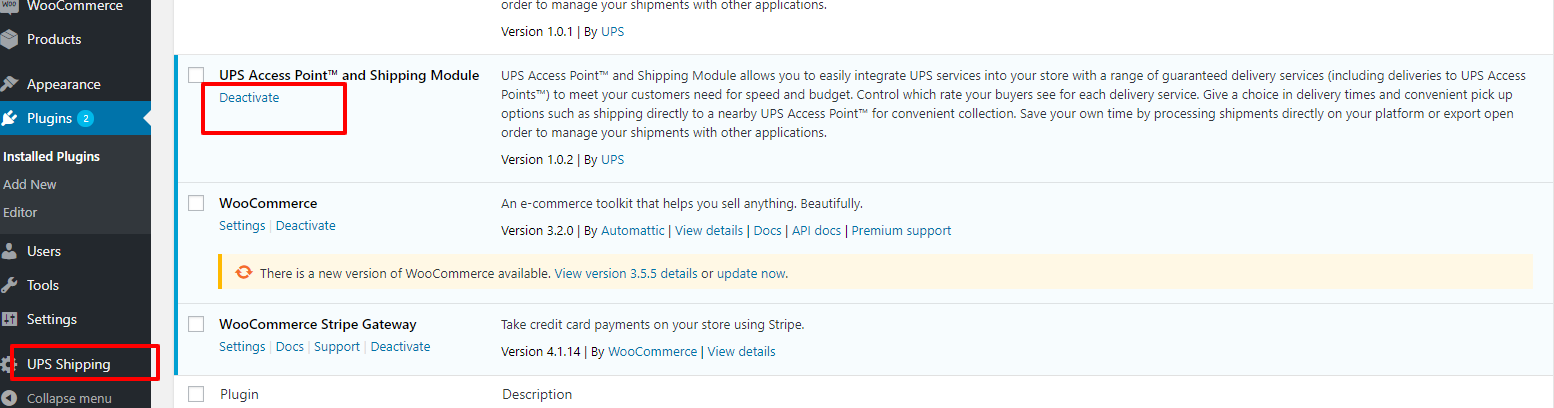
Login to the WordPress system, go to the plugin page, and click on "Deactivate" on the UPS Shipping plugin.
2.1
Login to the WordPress system, go to the plugin page, and click on "Deactivate" on the UPS Shipping
Login to the WordPress system, go to the plugin page, and click on "Deactivate" on the UPS Shipping plugin.
2.2
Then click “Delete”
Then click “Delete”